
Job Application Tracker Excel Template and Other Free Tools
Download a free job application tracker template for Excel or Google Sheets, then use these tips and free tools to keep your job search organized.
Applying for jobs is exhausting right now. The market has shifted, and sending out a few resumes rarely cuts it anymore. When you're applying to dozens of roles a week, they all start to blur together. You forget which resume version you sent, who you spoke with, and when you should follow up. Getting a simple system in place helps you regain control and keep your sanity during the search.
1. The manual way: using a spreadsheet template
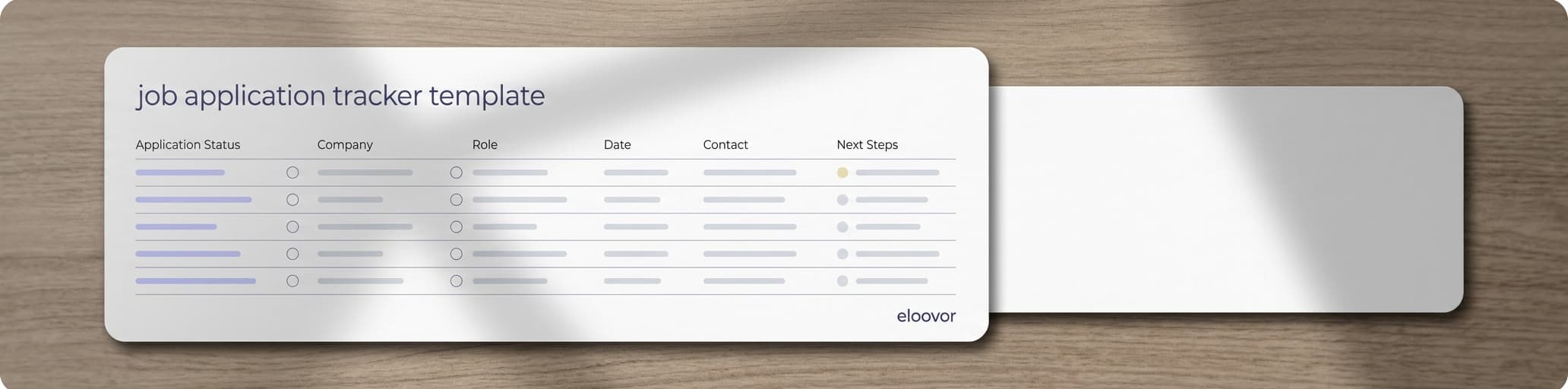
Creating a spreadsheet is one of the simplest yet most effective ways to track your job applications. You can use Microsoft Excel, Google Sheets, or Apple Numbers. Here are the columns you should consider including:
- Company name and the specific job title.
- Status, picked from a list: To Apply, Applied, Interviewing, Negotiating, Offer, Closed, or Archived.
- Date applied and next follow-up, so you know exactly when to chase.
- CV, the resume version you sent. Tailoring your resume for each role is key, and you'll want to see which version gets replies.
- Job fit, a rating from 0 to 5, so you put your energy into the best matches.
- Notes for details on contacts, recruiters, or interviews.
- Job description, a link to the posting, which often disappears after the role closes. Copy the key requirements into your notes while you can.
- Eloovor link, if you also track the job in Eloovor.
If you don't want to create this spreadsheet from scratch, our free template has these columns ready to go: download it for Excel or make a copy in Google Sheets.
2. Automating with job tracking apps
Spreadsheets work well, but updating them manually takes effort. If you want something that does the heavy lifting, specialized job tracking apps can help.
The same tracker, in Eloovor
Every job gets its own page, with its stage and the tools for it: company research, a fit check, a tailored resume and cover letter, and interview prep. Free to use.
- Eloovor: Instead of just listing your applied roles, Eloovor helps you prioritize where to spend your energy. It analyzes your experience against a job description to show you where you actually align, so you don't waste hours on long applications that aren't a good fit. Create a free account to try it on your own search.
- Huntr: A visual Kanban board style tracker that is helpful for seeing your search stages at a glance.
- JobScan: Useful for checking how well your resume matches the job description keywords.
3. Stay accountable to yourself
Searching for a job can feel incredibly isolating, and it's easy to lose track of where you actually stand once you're juggling dozens of applications. Having a system you check in on regularly does the same job a support group would: it keeps you honest about what's working, what's stalling, and what needs a follow-up.
Let your tracker do the accountability for you
Eloovor emails you when an application has gone quiet for two weeks, so nothing quietly falls through the cracks.
4. Set reminders
Missing a follow-up or an interview deadline is a quick way to lose an opportunity. Use your calendar or phone reminders to alert you when to send a polite follow-up email, when to prepare for an upcoming interview, or when a high-interest role closes.
5. Organize your email
Your inbox gets messy fast during a search. Try setting up a dedicated folder or labels for job applications. You can group them by status, like 'applied' or 'interviews scheduled'. Doing this keeps recruiters' emails from getting buried under newsletters or spam.
6. Regularly review your progress
Take an hour at the end of each week to look over your tracker. This helps you notice if certain resumes are getting better response rates, or if you need to adjust your strategy. It's also a good moment to recognize your own hard work, even if the inbox is still quiet.
7. Stay resilient
The search is a marathon, and rejection is part of it. Keeping your tracker updated is not just about staying organized; it's about protecting your energy. Knowing exactly where you stand helps you take breaks when you need them and proceed with confidence.
Organizing your search
A tracker is a tool to serve you, not another chore to stress over. Whether you use a simple Google Sheet or a dedicated app, choose the system that feels easiest to maintain. Let's make the search a little less chaotic.
Still tracking applications in a spreadsheet?
Eloovor does the tracking and the thinking for you. It's free.
Open your workspace